Build an AI chatbot around your information and tasks.
IAMX combines a configurable conversation with a visible AI character. Visitors can type or speak, ask about connected information and use the actions you have enabled. Start with a website widget, then choose other supported surfaces when their setup fits your project.
Define the conversation before choosing the appearance
Decide who the chatbot is for, which questions it should answer and how it should respond when it lacks enough information. Configure the character’s instructions, language, voice and model, then test a short conversation in Studio. The avatar adds a visual presence to that conversation.
The publishing workflow described here uses IAMX’s character widget. Choose the presentation in Publish and check text entry and voice controls in the generated preview. A conversation requirement alone does not establish that a separate avatar-free widget is available for your setup.
Give each source a clear purpose
A knowledge base can supply relevant passages from enabled documents on supported plans. Use it for information you want the character to consult, such as a product manual or a reviewed FAQ. Compare answers with the source and define a fallback for uncovered questions; retrieval is not a guarantee that every answer is correct.
For page-aware help, connect your website in Experience → Site guide, prepare its public page list and inspect important cached pages. The widget supplies the current page address and title. This reads public website content; it does not log into private customer accounts. Refresh prepared content when your information changes.
Move from an answer to a useful next step
Configure a guide action when you want to offer a particular destination or interact with an approved page element. Opening a page and clicking an approved button require visitor confirmation. The destination, website and element must match your configuration.
For an external operation, define and enable the appropriate tool integration. The connected service controls authorization and validates the request. A chatbot instruction by itself cannot book a reservation or read an order from an unconnected system.
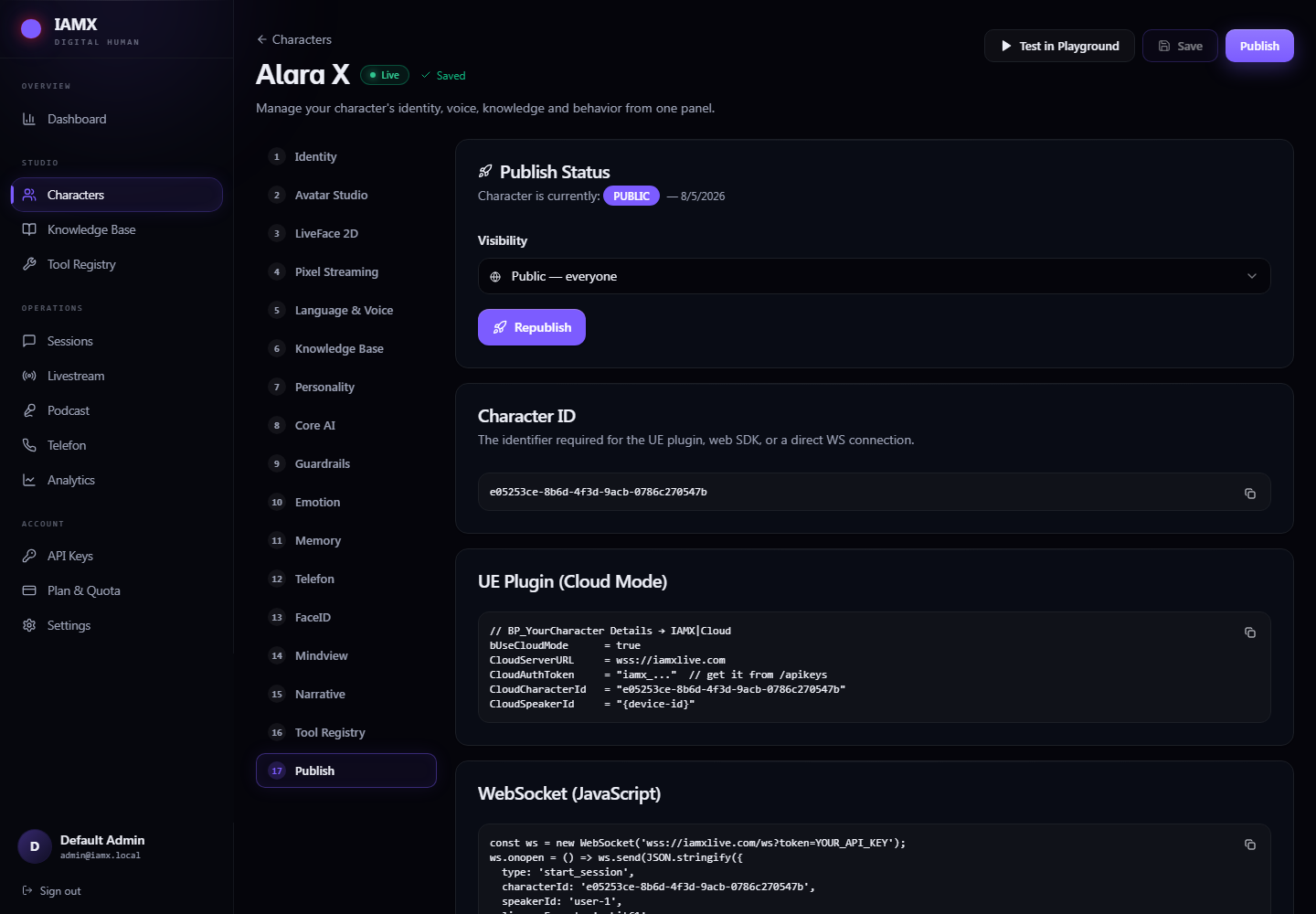
Publish and test the website widget
- Save the character and experience
Review the conversation and appearance. Site guide has its own saved draft and Publish experience action; publishing appearance alone does not publish those settings.
- Copy your generated code
Use the code from Publish to keep your character ID, template and dimensions. Your website must permit the script and required embedded content.
- Try a complete visitor journey
Ask a question, request a destination, confirm it and ask a follow-up on the next page. Test voice and text on the devices your audience uses.
This example shows the embed structure. Replace the placeholder with your own character ID:
<script src="https://iamxlive.com/iamx-widget.js"
  data-character="YOUR_CHARACTER_ID"
  data-template="round"
  data-open="minimized"
  defer></script>
See the embed guide and website experience guide for the complete setup.
Questions about voice, context and other surfaces
Will speech start automatically?
Browsers may require a tap before audio playback and permission before microphone access. Test those steps and provide a usable text-entry path.
Can it keep context across pages?
Enable the relevant Site guide setting and install the same character’s widget across the same website. Recent context can be restored where browser storage and continuation allow it. Full navigation reloads the widget, so uninterrupted audio is not promised.
Can we use it beyond the website?
Explore kiosks or the Unreal integration. Each needs its own device, rendering and integration setup. Use the customer service workflow when approved support answers are the main goal.
Try your own workflow.
Prepare a character, ask real questions and check the experience on the device you intend to use. Contact us to discuss the scope of your setup.
Prepared by IAMX. Features and requirements.