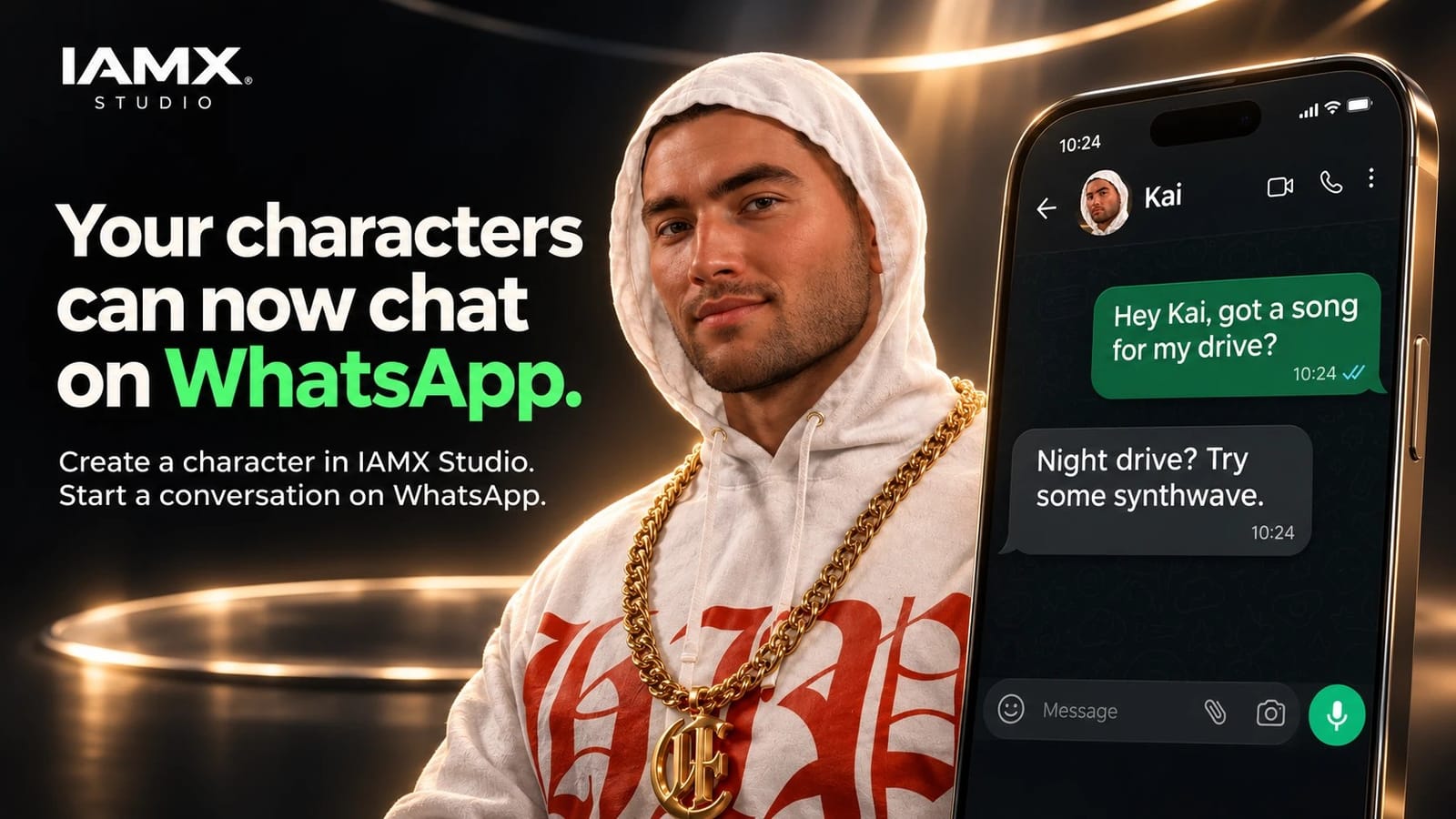
Your characters can now chat on WhatsApp.
Build a character in IAMX Studio, connect your WhatsApp Business number, and it starts answering the people who write to you — with the same personality, voice, knowledge and guardrails it has everywhere else on IAMX. No bot builder, no flow charts: the character you already have simply gets a phone number.
Texts, voice notes, photos, documents
Write to it and it writes back. Send a voice note and it listens, then answers with a voice note in its own voice. Send a photo and it looks at it. Send a PDF, Word, Excel or PowerPoint file and it reads it and answers your question about it. Everything a customer would naturally send on WhatsApp, handled by the character.
An inbox for your team
Every conversation lands in WhatsApp inside IAMX Studio, laid out the way you know it: numbers on the left, the chat on the right, ticks for delivered and read. A teammate can read along, press Stop the bot to take over a conversation, write and send files as a human, and hand it back to the character when they are done. The character even greets the customer by the name and number WhatsApp provides, and remembers them the next time.
Built for the call centre
Every incoming and outgoing message and file is kept for as long as you decide — 7 days, 180 days, a year, or forever — and removed automatically after that. Which character answers which number is a setting you control, so one workspace can run a hotel concierge on one line and a support agent on another.
How to connect
WhatsApp is included in the Enterprise plan. Open Settings → WhatsApp Business, paste the access token, app secret and account ID from your Meta Business account, press Connect webhook, and assign your number to a character. Your first conversation is a message away.
Open IAMX Studio, pick a character and give it a number.