How it works
Design a character in the panel, connect it to conversation services and present it in a browser or Unreal application.
The cloud workflow has three parts. You design the character in the panel. IAMX and the configured providers handle its conversation, including model responses, voice generation and facial animation. A client presents the result: a browser-rendered avatar, a streamed character or your Unreal application. Rendering, microphone input and playback still depend on the visitor's device and chosen presentation.
This page explains the moving parts, how they talk to each other, and the two runtime modes you can choose from. If you just want to get a character talking, jump to the Quickstart; if you need to install the plugin, see Install.
The three parts
These parts have different responsibilities. Knowing which one is involved helps you find the right setting when something needs to change.
1. The panel
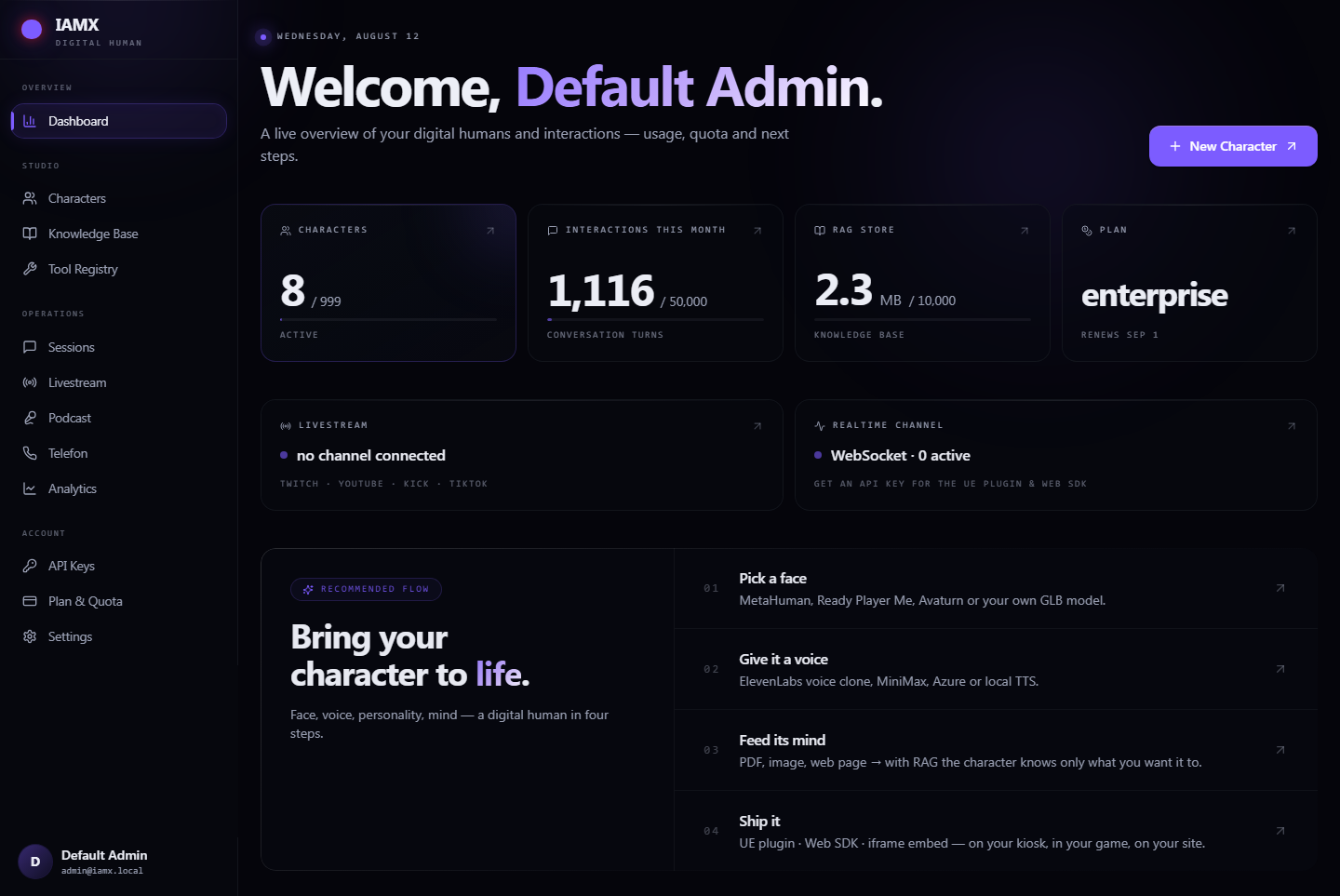
Open the IAMX panel to create characters, write a persona, add knowledge, choose a voice, configure actions and inspect conversations. Avatar Studio controls the saved appearance and scene; Experience adds website guidance and other interactions.
2. The cloud
IAMX coordinates incoming messages, the selected AI provider, available knowledge and tools, and the chosen voice. The standard speech path also prepares facial animation from the generated audio. The exact sequence depends on whether the character uses standard or realtime voice.
3. The client
The browser or Unreal application handles interaction and playback. Browser-rendered GLB avatars use the visitor's graphics hardware; Pixel Streaming displays video rendered on a server. Supported web conversations can use the browser's speech recognition before sending a message.
What the panel owns
The panel is the single source of truth for a character's identity and capabilities:
- Persona & instructions — who the character is, tone, language, guardrails.
- Voice — the voice the character speaks with, including custom and cloned voices.
- Knowledge — documents and facts the character can draw on when answering.
- Actions & tools — the things the character is allowed to do (call an API, trigger an animation, hand off to a workflow).
- Behavior tuning — greeting logic, interaction mode, memory, and per-feature settings.
- Reports — transcripts, summaries and usage per person and per character.
What the cloud owns
The cloud coordinates a session, checks access and usage, passes messages to the selected model and returns its response. Standard voice generation and facial animation are separate services. Tools and knowledge retrieval can add steps to a reply. Browser speech recognition and native realtime voice take different input paths; see Voice and microphone.
What the client owns
The client handles microphone controls, the live connection, audio playback and the selected visual presentation. A GLB needs compatible facial shapes and body animations; an Unreal character needs the appropriate rig integration. Scene actions and media also have their own playback controls. See Avatar Studio for web setup or Blueprint API for Unreal events and nodes.
The connection
Each character has a unique Character ID. Use it in the Unreal component's connection settings or copy the website widget code from Publish, which includes data-character. The ID selects the character; visibility and authentication determine who can open a conversation. An ID alone does not grant access to a private character.
Once connected, the client sends text or supported audio input and receives response text, audio and presentation events. Playback can begin before the full reply has finished on supported streaming paths. It still takes time to detect the end of speech, generate a response and prepare audio; model, provider, tools and network conditions affect the delay.
  ┌─────────────┐         ┌──────────────────────┐         ┌──────────────┐
  │   PANEL     │         │     IAMX  CLOUD      │         │    CLIENT    │
  │  (design)   │         │   (the character's   │         │  (your app / │
  │             │         │       brain)         │         │   embed)     │
  └──────┬──────┘         └──────────┬───────────┘         └──────┬───────┘
         │                           │                            │
         │  persona · voice ·        │                            │
         │  knowledge · actions      │                            │
         ▼                           │                            │
   ┌───────────┐                     │                            │
   │ connection│─────── issued ──────┼───────────────────────────▶│  paste ID
   │    ID     │                     │                            │  into client
   └───────────┘                     │                            │
                                     │        connect (ID)        │
                                     │◀───────────────────────────│
                                     │                            │
                     mic audio / text│  ▲  ▲  ▲                   │  ── UP ──▶
                                     │  │  │  │                   │
                    voice + face +   │  ▼  ▼  ▼                   │  ◀─ DOWN ─
                    emotion + gesture│  (streamed frame by frame) │
                                     │                            ▼
                                                            renders on
MetaHuman / avatarA session, start to finish
- Design — you build the character in the panel and it receives a connection ID.
- Connect — the client opens a session for that character, subject to access and account availability.
- Speak — the visitor types or uses the microphone. The selected input path supplies text or audio.
- Think — the cloud understands, reasons, and composes a reply, pulling on the character's persona, knowledge and tools.
- Perform — the response is spoken using the selected voice and paired with the supported facial animation and action cues.
- Present — the client plays the response and runs the configured visual experience.
Why a thin client
Putting the intelligence in the cloud and keeping the client thin is a deliberate design choice, and it pays off in three concrete ways.
Server-side conversation
The cloud conversation services do not require you to bundle their AI models into the visitor's application. Avatar assets, WebGL rendering or Unreal rendering still have their own memory and graphics requirements.
Update character settings
Change supported character settings in the panel without rebuilding the app. Save and publish the relevant configuration, then start a new session. New client features or plugin changes may still require an application update.
Choose a presentation
Use a supported GLB, LiveFace or Pixel Streaming presentation on the web, or integrate the Unreal plugin. Custom avatars need compatible facial mapping and animation; changing the model can require additional setup.
Start with the presentation your audience needs, then test it on their actual devices. A successful desktop conversation alone does not verify mobile microphone permission, frame rate or a website's embed policy.
Realtime vs standard
Core AI offers standard models and supported realtime speech modes. The main difference is whether a separate voice provider speaks the generated text or the selected model produces audio itself.
Realtime mode
Native model audio. The selected realtime service handles speech input and audio output, using its own voice list. It supports a different conversation path from a standard text model with separate TTS. Test interruptions, knowledge requirements and actual response time for your use case.
Standard mode
Separate model and voice. The language model produces a reply and the selected TTS provider speaks it. Supported paths can begin playing portions of the reply before the whole turn finishes. Voice choices, including any cloned voices, depend on that provider and your account access.
| Realtime | Standard | |
|---|---|---|
| Response time | Depends on the realtime service, input and network | Also includes the separate model and speech-generation steps |
| Voice choices | Native realtime voices | Voices supported by the selected TTS provider |
| Interruptions | Test the selected realtime mode and client | Test the selected microphone mode and client |
| Best for | Live kiosks, fast dialog, demos | Brand voices, narration, wide language range |
| Set where | Character settings in the panel | |
Mode and model are both chosen in the panel, and you can change them any time. For how to pick the reasoning model behind your character — GPT, Claude, Gemini, or a local Ollama model — see Models.
Save, test and publish
See Avatar Studio for appearance, scenes and animation, Website embed for installation and Website experience for page awareness and navigation.
Next steps
- Quickstart — create a character, grab its connection ID, and get it talking.
- Install — add the plugin to your Unreal project. For a website, use Website embed.
- Models — choose the reasoning model and runtime mode.
- Blueprint API — the events, nodes and hooks the client exposes.
- See it live at iamx.live, get the plugin on GitHub (releases), or ask on the forum.