Other surfaces
One character, many places to bring it to life.
An IAMX character is not tied to a single window or a single machine. The same personality, voice, memory and action set can appear as a photoreal MetaHuman inside a game, a talking head embedded in a web page, a pixel-streamed avatar that loads in any browser, or a hardened kiosk standing in a bank lobby. You author the character once — its prompt, knowledge, tools and look — and choose which surfaces to deploy it to.
This page is a tour of those surfaces: what each one is for, what it can and cannot do, and how to ship it. If you are brand new, start with the Quickstart and come back here when you know which surface you need.
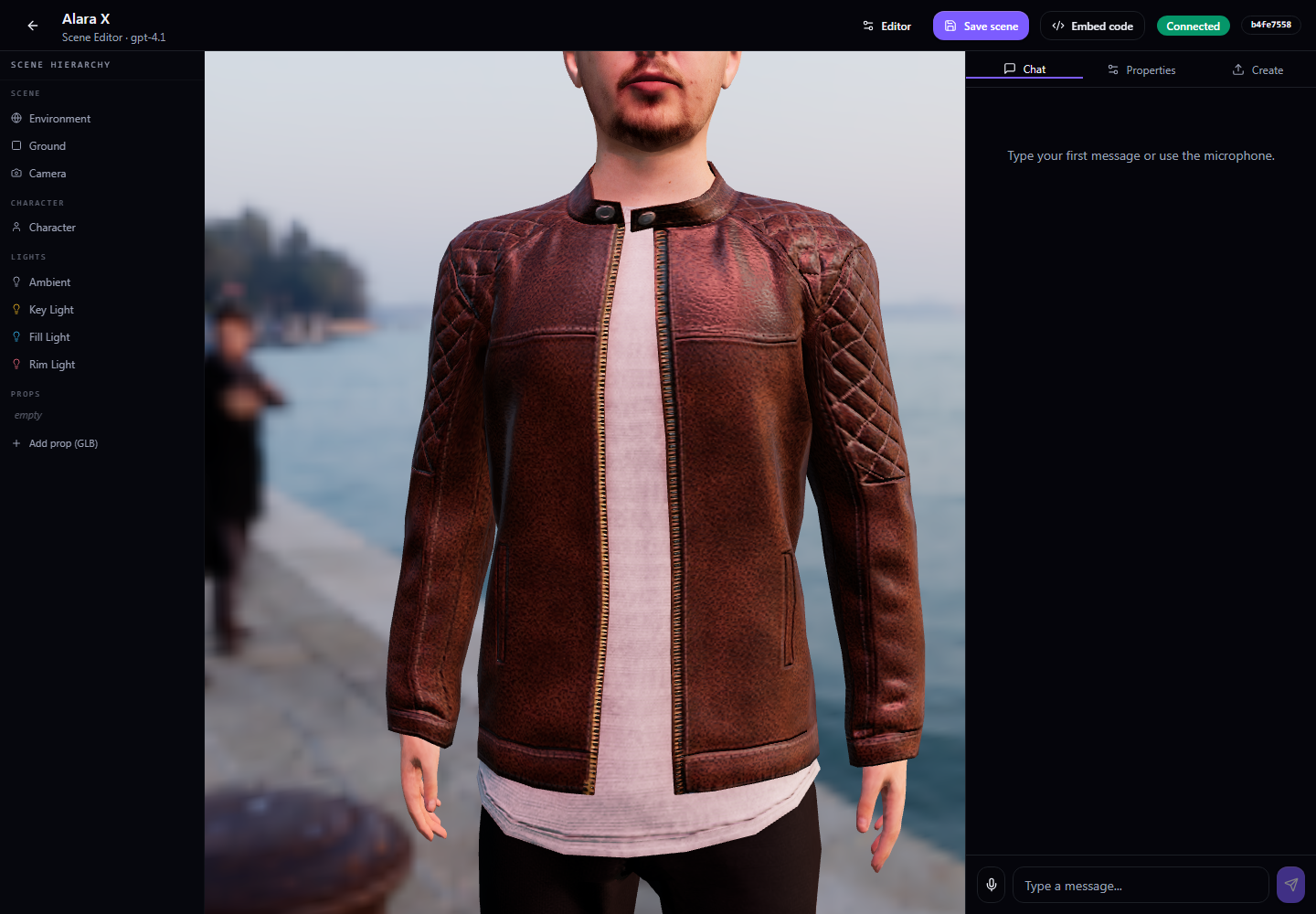
The four surfaces at a glance
LiveFace avatar
A talking head generated from a single photo. Lightweight, embeddable, perfect for websites, support widgets and product tours. No 3D scene required.
Cloud MetaHuman
Your full photoreal character, pixel-streamed to the browser from a separately provisioned Unreal rendering host. Nothing to install for the visitor.
24/7 kiosks
An always-on physical station with identity verification and verified actions. Built for regulated industries — banking, telecom, public services. Enterprise.
Game NPCs
The complete Unreal experience: your character talks, looks at the player, emotes, plays body animation and calls actions inside your own project.
Same brain, everywhere
Voice, personality, knowledge bank and tool calling are shared. A surface only decides how the character is rendered and where it runs.
Mix and match
Nothing stops one character from being a game NPC, a website LiveFace and a lobby kiosk at the same time. Deploy to as many surfaces as your plan allows.
Choosing a surface
Pick by where your audience already is and how much fidelity the moment demands. Use this table as a quick decision aid.
| Surface | Visitor installs | Fidelity | Best for | Plan |
|---|---|---|---|---|
| LiveFace avatar | Nothing — runs in a web page | Photo-realistic head & shoulders | Websites, help widgets, landing pages, social clips | Pro and higher; see plan access |
| Cloud MetaHuman | Nothing — pixel-streamed | Full photoreal body & scene | Premium web demos, virtual receptionists, showrooms | Conversation plan plus separate rendering infrastructure |
| 24/7 kiosk | N/A — dedicated hardware | Full photoreal + physical presence | Branches, lobbies, regulated self-service | Enterprise |
| Game NPC | Your game / app | Full photoreal in your own world | Games, training sims, interactive experiences | All plans |
LiveFace avatar
LiveFace turns a single still photo into a speaking, expressive talking head. There is no rig to build, no scene to light and no engine for the visitor to run — the avatar streams into an ordinary web page. It is the fastest way to give a character a face on the open web.
What you get
- Natural lip movement synced to the character's speech, driven by the same voice as every other surface.
- Head motion, blinks and subtle expression so the face reads as alive rather than a frozen portrait.
- A drop-in embed you can place in any site, help widget or campaign page.
- Full conversational behaviour — listening, answering, knowledge lookups and tool calls all work exactly as they do in Unreal.
When to reach for it
Choose LiveFace when you want maximum reach with minimum weight: a support persona in the corner of your docs, a spokesperson on a product page, or a quick face for a character you are still prototyping. If you need a full body, a walkable scene or physical presence, step up to Cloud MetaHuman or a kiosk.
Cloud MetaHuman
Cloud MetaHuman takes your full photoreal character — the same one you build for Unreal — and pixel-streams it straight to the browser. The heavy rendering happens on a separately provisioned local or hosted Unreal machine; the visitor receives a video stream and sends back their microphone and clicks. The visitor does not install the Unreal build, but needs a compatible browser, video decoding and a suitable network connection.
How it feels to the visitor
- Open a link — the character loads in a normal browser tab, desktop or mobile.
- Grant the mic — one permission prompt, then they can just talk.
- Converse live — full-body photoreal character responds with voice, lip sync, gaze and gesture, streamed in real time.
Why pixel streaming
A photoreal character is expensive to render. Pixel streaming moves that cost off the visitor's device, which means:
- Zero install — no launcher, no plugin, no multi-gigabyte download.
- Consistent quality — every visitor sees the same fidelity regardless of their hardware.
- Instant updates — change the character in the panel and the next session reflects it.
24/7 kiosks
The kiosk surface is a character that stands in the physical world and never logs off. It is built for regulated, high-trust self-service: a customer walks up, the character greets them, verifies who they are, and can then perform sensitive actions on their behalf — all with a photoreal face and a natural voice instead of a touchscreen menu tree.
Identity verification
Before a kiosk performs anything sensitive, it can confirm the person in front of it is who they claim to be. The flow combines a document read with a live face check and only proceeds when both agree.
Walk-up
   │
   ▼
[ Greet ]  ── face seen, not yet identified
   │
   ▼
[ Verify identity ]  ── document + live face compared
   │
   ├── match ──────────►  [ Verified session opens ]
   │                          verified actions unlocked
   ├── mismatch ───────►  [ Politely declined ]
   └── no live face ───►  [ Ask customer to step into view ]
The kiosk uses operator-customizable prompts for every stage — the greeting for a known vs. unknown face, the message on a successful match, on a mismatch, on a missing live face, and the welcome-back message when a already-verified customer returns within the session window. You control all of that copy without touching code.
Verified actions
Once a session is verified, the character can call gated tools — actions that are only allowed to fire when identity has been confirmed. This is what separates a kiosk from a talking FAQ: it can actually do the thing the customer asked for, safely.
- Sensitive tools stay locked until the verification gate passes.
- Each action carries the verified customer context so your backend can trust the request.
- If a customer asks for a gated action without being verified, the character declines gracefully using your configured message.
Designed for always-on
Kiosks assume nobody is watching the machine. They greet on approach, recover cleanly between customers, ignore their own audio so they don't answer themselves, and hold a short verified-session window so a returning customer isn't asked to prove themselves twice in a minute.
Game NPCs
The game NPC surface is the complete experience running inside your own Unreal project. This is the surface the plugin was born for: a photoreal character living in your world, aware of the player, and reacting in real time.
Talking
Streaming conversation with natural voice and precise lip sync, driven by GPT, Claude, Gemini or a local Ollama model.
Looking
Eye and head gaze that tracks the player during conversation, so the character feels present instead of staring through you.
Emoting
Facial expression and body animation — idle, listening and talking states blend automatically as the conversation flows.
Acting
Tool and action calls let the character trigger events in your game — open a door, hand over a quest, hit an external API.
Perceiving
Optional vision lets the character see from its own viewpoint or the player's, and reason about what's in front of it.
Remembering
Knowledge bank lookups and long-term memory give the NPC continuity across a conversation and across visits.
How it fits your project
Drop the component onto a character, point it at a connection ID, and wire the delegates you care about (for example OnActionTriggered) in Blueprint. Everything else — voice, lip sync, gaze, body animation — is handled for you. The full node and delegate reference lives in the Blueprint API docs, and setup is covered in Install.
One character, every surface
The single most important idea on this page: a surface is a destination, not a new character. The personality, the voice, the knowledge, the tools and the memory all belong to the connection ID. Surfaces just decide how that character is rendered and where it runs.
                 ┌─────────────────────────────┐
                 │   Character (connection ID) │
                 │  prompt · voice · knowledge │
                 │      tools · memory         │
                 └──────────────┬──────────────┘
                                │  (author once)
        ┌───────────────┬───────┴───────┬────────────────┐
        ▼               ▼               ▼                ▼
   LiveFace        Cloud            24/7             Game
   avatar          MetaHuman        kiosk            NPC
   (web embed)     (pixel stream)   (hardware)       (your Unreal build)
Edit the system prompt, add a knowledge file, or define a new tool once — and every live surface reflects it. That's what makes IAMX design once, deploy everywhere: you invest in the character, not in four separate integrations.